Resizia app icon

Resizia

Resize photos · Compress to a target size

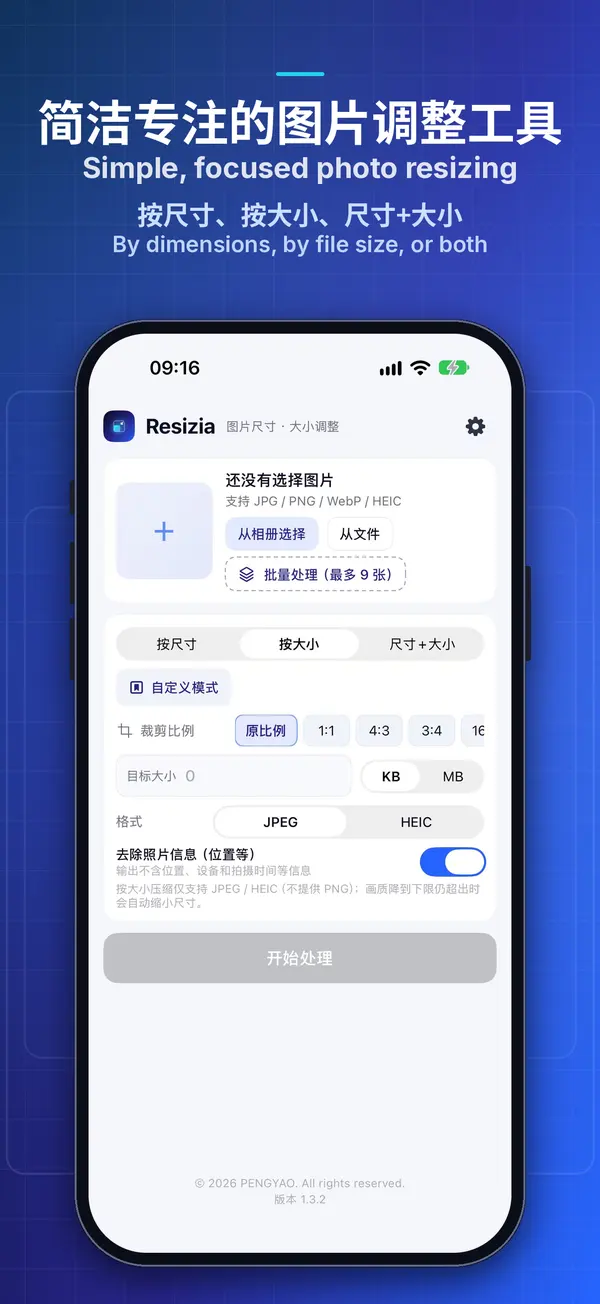
Resizia is a simple, focused tool for changing the dimensions and file size of images. Scale photos to exact pixel dimensions, or compress them below a target file size such as “under 200 KB”, for application photos, ID photos, web images, email attachments and social media posts. Everything is processed on your device, and no photos are uploaded.

iPhone · iPadComing soon to the App Store AndroidAndroid version · Coming soon

01 · Features

One thing, done well.
Simple, focused photo resizing.

Dimensions, file size, ratio and batch processing: common image requirements are met in just a few steps.

THREE MODES

Three ways to resize

Dimensions, file size, or both.

  • By dimensions: enter the width and height in pixels with the aspect ratio locked by default, or set 25% / 50% / 75% / 100% in one tap
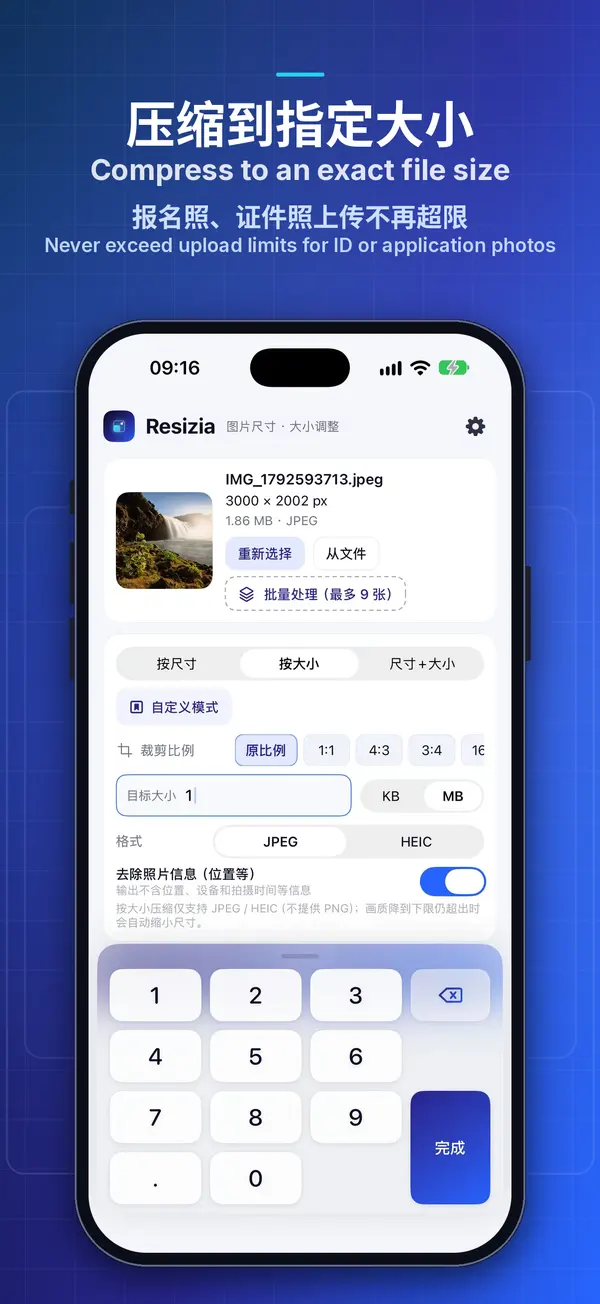
  • By file size: enter a target size in KB or MB, and the app automatically finds the highest quality that fits
  • Dimensions and file size: first resize to the exact dimensions, then compress below the target size
SMART CROP

Crop ratios and smart crop

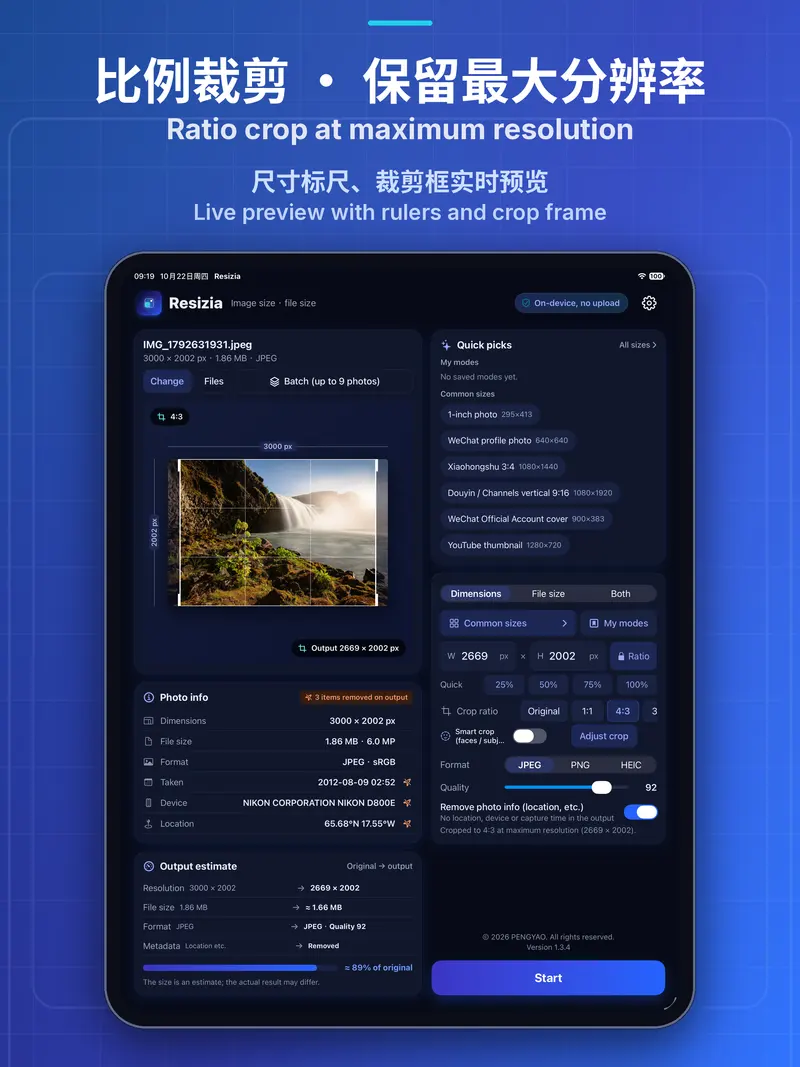
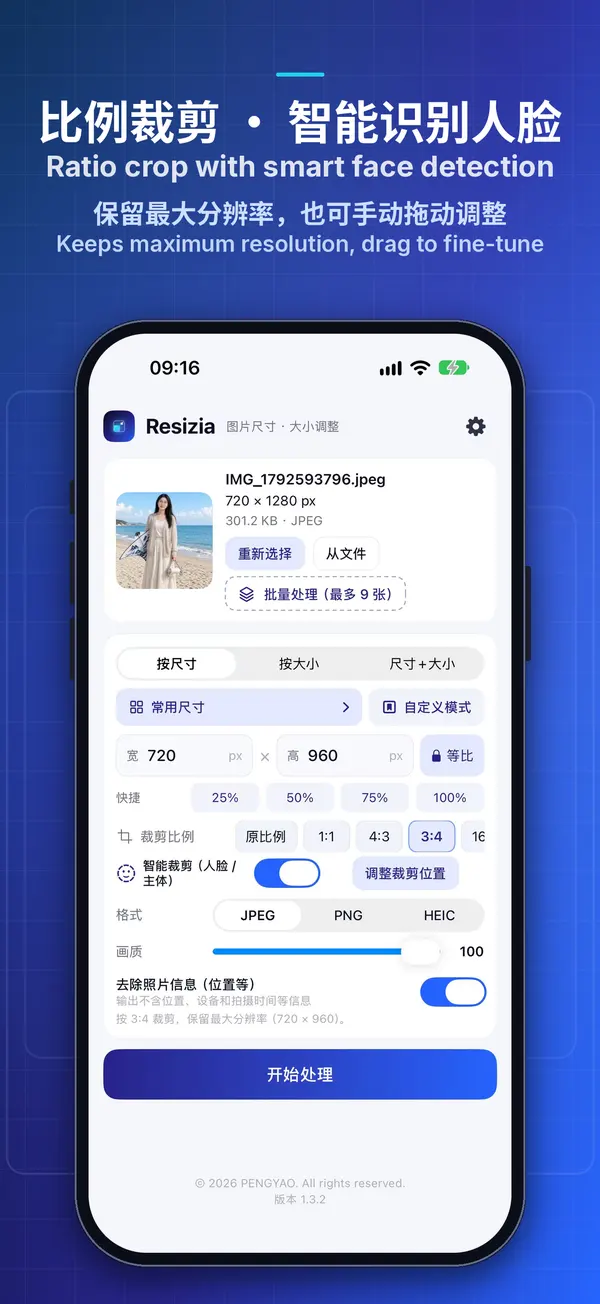
Crop at full resolution, keep faces in frame.

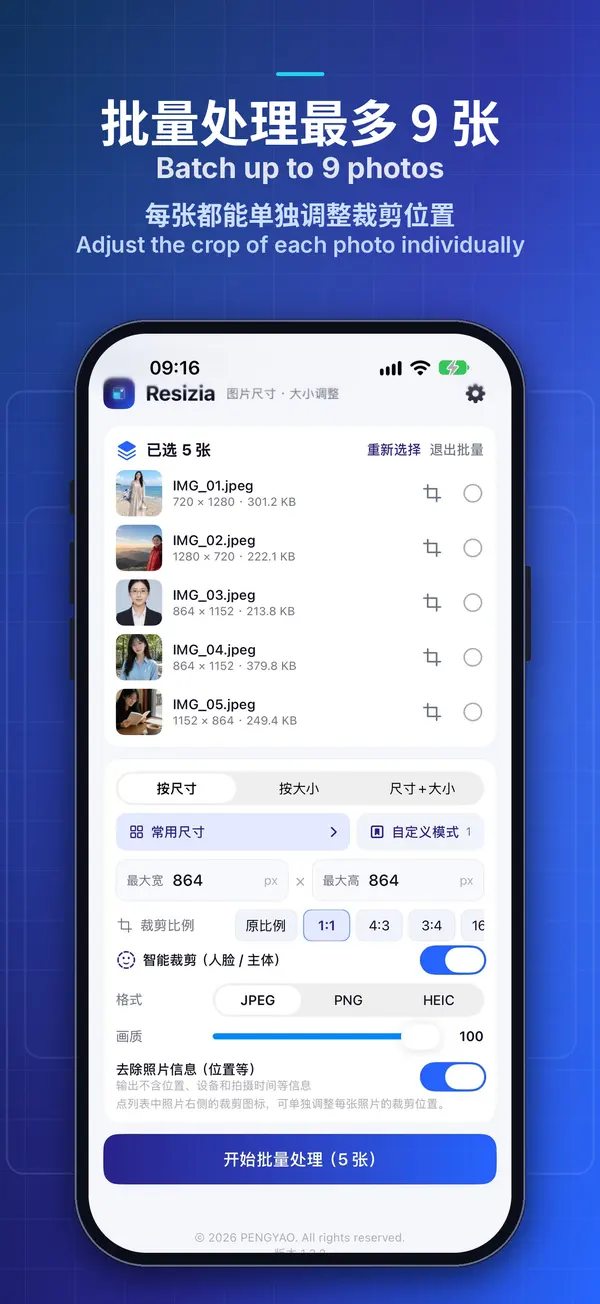
  • Crop to 1:1, 4:3, 3:4, 16:9, 9:16, 3:2 or 2:3 in one tap, keeping the maximum resolution for that ratio
  • Smart crop automatically detects faces and keeps people in the frame; detection happens entirely on your device
  • Drag the crop frame to decide which part to keep
PRESETS

Common sizes and custom modes

Ready-made sizes and one-tap setups.

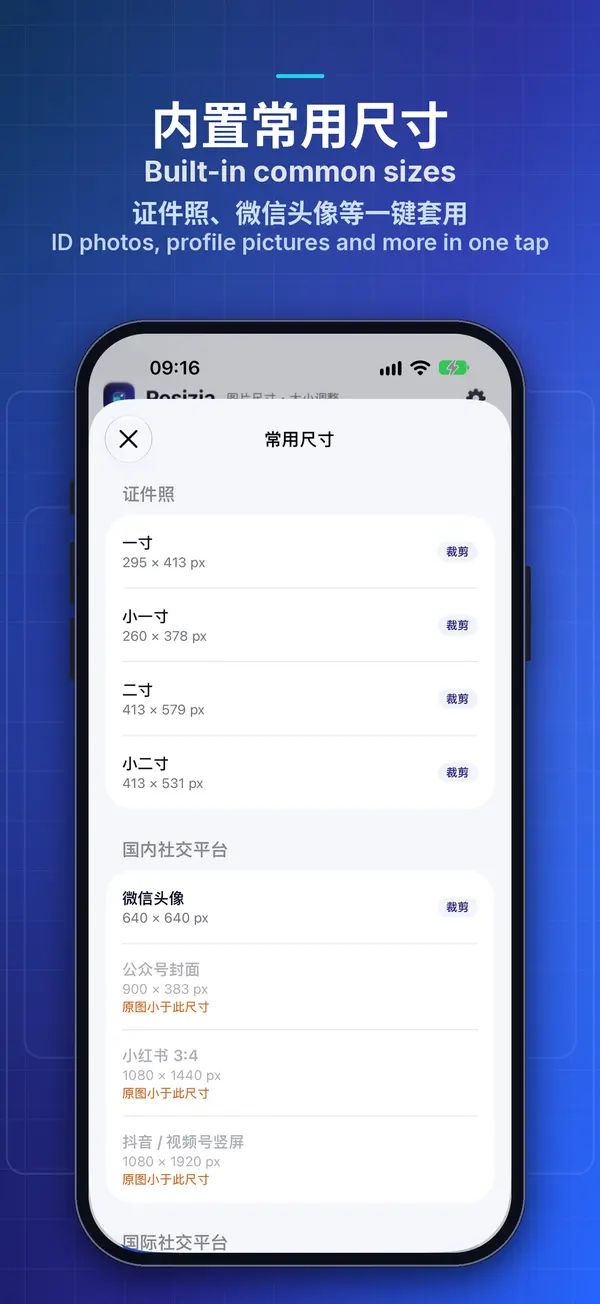
  • Built-in sizes for ID photos (1-inch, small 1-inch, 2-inch and small 2-inch), application photos and common social media formats
  • Save up to 20 frequently used sizes in “My presets”
  • Custom modes save a whole set of settings under a name, so you can apply it again in one tap
BATCH

Batch processing

Up to 9 photos at once.

  • Up to 9 photos at a time with the same settings, with a progress display and the option to cancel at any time
  • When processing is finished, you can save all or share all
  • Share images to Resizia directly from the Photos app, the Files app or chat apps
PRIVACY

Privacy protection

On-device. Nothing uploaded.

  • “Remove photo info (location, etc.)” is on by default, so output images contain no location, device model or capture time
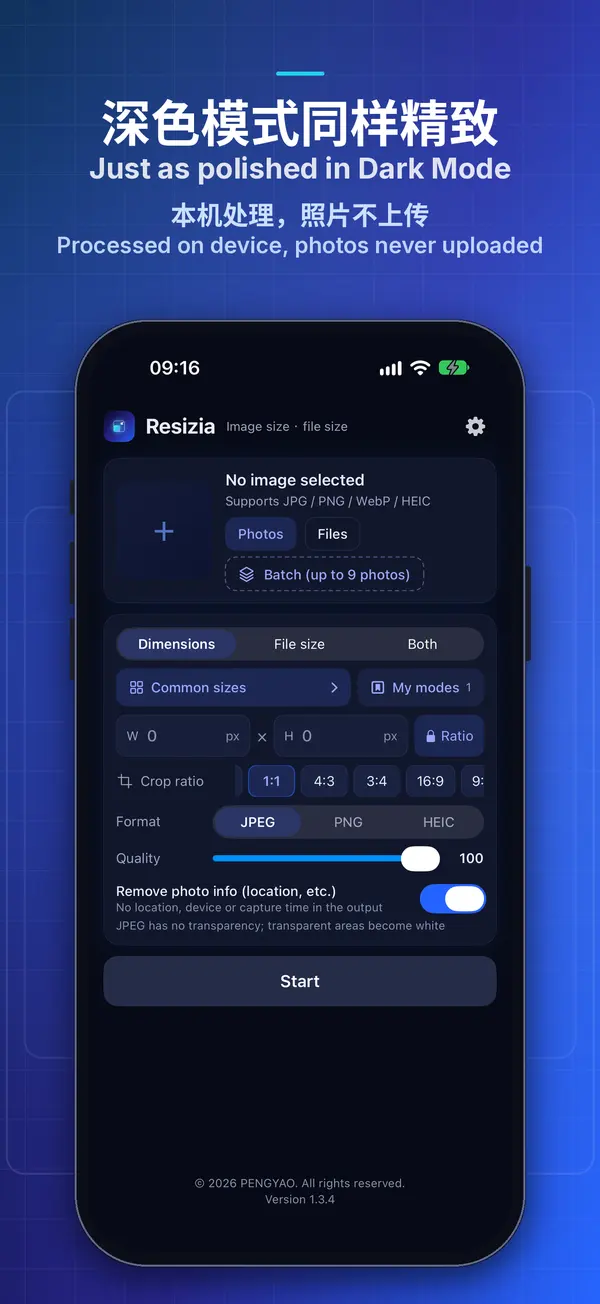
  • All processing happens on your device, with no internet connection and no photo uploads
  • No registration or sign-in, no ads and no analytics
FOR EVERYONE

35 languages · Elder mode

35 languages, Dark and Elder modes.

  • 35 interface languages, which you can switch in the app or set to follow the system
  • Light and dark appearance with Night mode; Elder mode offers larger text and buttons
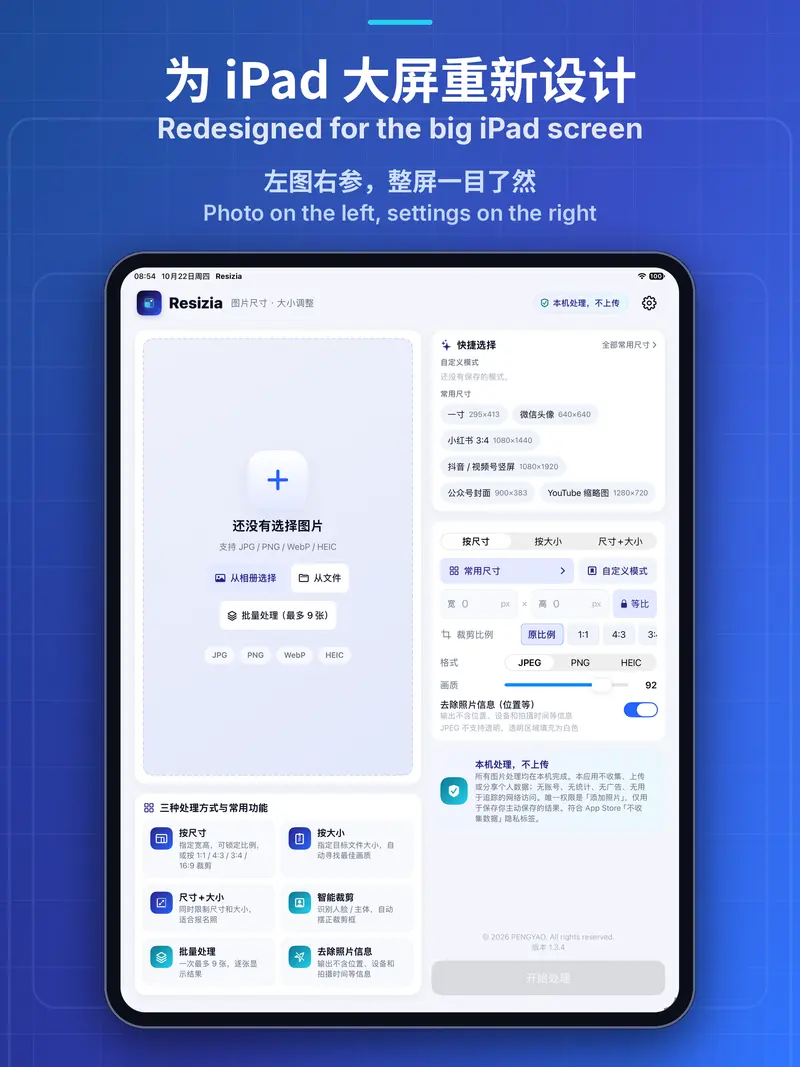
  • Designed for iPhone and iPad, with portrait and landscape layouts on iPad

02 · Screenshots

iPhone and iPad
Designed for iPhone and iPad.

03 · Platforms

Two platforms,
the same restraint.

iOS · iPadOS

iPhone and iPad

Coming soon to the App Store
  • Requires iOS / iPadOS 16.0 or later
  • Outputs JPEG, PNG or HEIC, with quality adjustable from 50 to 100
  • Smart crop detects faces, and the main subject when there is no face
  • Asks only for “Add Photos Only” access when you save, and never reads your photo library
ANDROID

Android phones and tablets

Coming soon
  • Requires Android 7.0 or later, with a two-column layout on tablets
  • Outputs three formats: JPEG, PNG and WebP
  • Smart crop detects faces and crops from the centre when no face is found
  • On Android 10 and later, no permission is needed to save images

Note: the built-in sizes are common reference values, not official requirements. Always follow the actual requirements published by the application website, platform or organisation.